

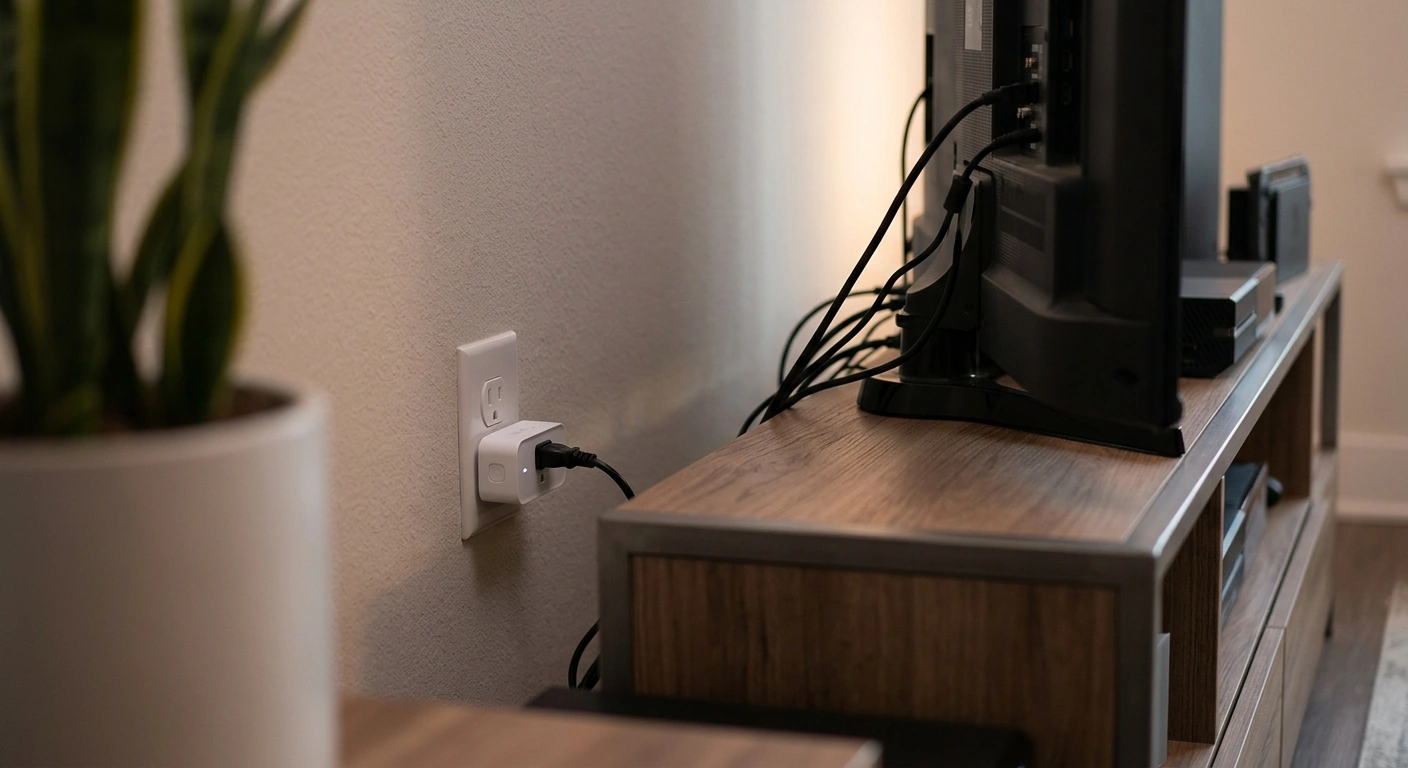
Your TV isn’t off. It just looks off.
That’s the uncomfortable truth about “standby mode” — the little red light, the blank screen, the sense that a device has gone quiet. Underneath, it’s still drawing power, sometimes almost as much as when it’s actually in use.
What Is Phantom Power?
Multiply standby draw by a game console, a couple of chargers, a coffee maker with a digital clock, and you’ve got a small army of devices billing you around the clock for doing absolutely nothing. Utility companies don’t break this out as a line item, so most people never connect a mysteriously stubborn bill to the fact that half their living room never actually powers down.
How a Smart Plug Actually Works
A smart plug sits between the device and the wall, and it does one simple thing extremely well: it can cut power completely, on a schedule or with a tap on your phone, instead of leaving a device to idle in its own low-power purgatory.
Energy Monitoring: The Feature Worth Prioritizing
Some models go further and show you real-time wattage — turning a vague sense of “this probably uses some electricity” into an actual number you can look at and go, huh, I had no idea.
- Skip plugs without energy monitoring if seeing the data matters to you
- A plug that only turns things on and off is a timer, not a tool for understanding your usage
Scheduling Does the Real Work
The real savings come from things happening automatically, not from you remembering to walk over and flip a switch every night.
Check the Load Rating
Confirm the load rating matches the device you’re plugging in, especially for anything with a higher power draw. Plugging a space heater into a plug rated for small electronics isn’t just ineffective — it’s a genuine safety issue.
Where to Actually Start
Priority One: Entertainment Centers
TVs and entertainment centers are often the single biggest phantom-load offender in a house. A smart power strip can cut a TV, soundbar, and streaming box all at once rather than needing three separate plugs.
Priority Two: Game Consoles
“Rest mode” sounds efficient but often isn’t, especially older consoles that were never designed with standby efficiency as a priority.
Priority Three: Chargers and Small Appliances
- Chargers left in the wall with nothing actually connected
- Small kitchen appliances with a digital clock or display running around the clock
Grouping Devices Instead of Plug-by-Plug
For a cluster of related electronics, a smart power strip beats buying five individual smart plugs.
- Set the TV as the “master” device
- The moment it powers off, everything plugged into the strip goes down with it
- Less setup, less app-juggling
Where Smart Plugs Won’t Do Much
Skip pointing them at anything that needs continuous power to actually function properly:
- Refrigerators — cutting power on any schedule risks food safety issues that far outweigh small savings
- Washers and dryers — need uninterrupted power to complete a cycle safely
- HVAC systems — not meaningful sources of phantom draw the way idle electronics are
The Honest Math
Smart plugs are cheap — often less than a takeout order — but don’t expect a dramatic before-and-after on next month’s bill. The savings are real but quiet, the kind that shows up as a slightly smaller number over a full year rather than a single dramatic drop.
Think of it less as a fix and more as a habit you’ve automated, one that keeps working in the background long after you’ve stopped thinking about it.